How to add Tilted Image to your website
Learn how to embed Common Ninja’s Tilted Image on your website without coding.


In This Guide
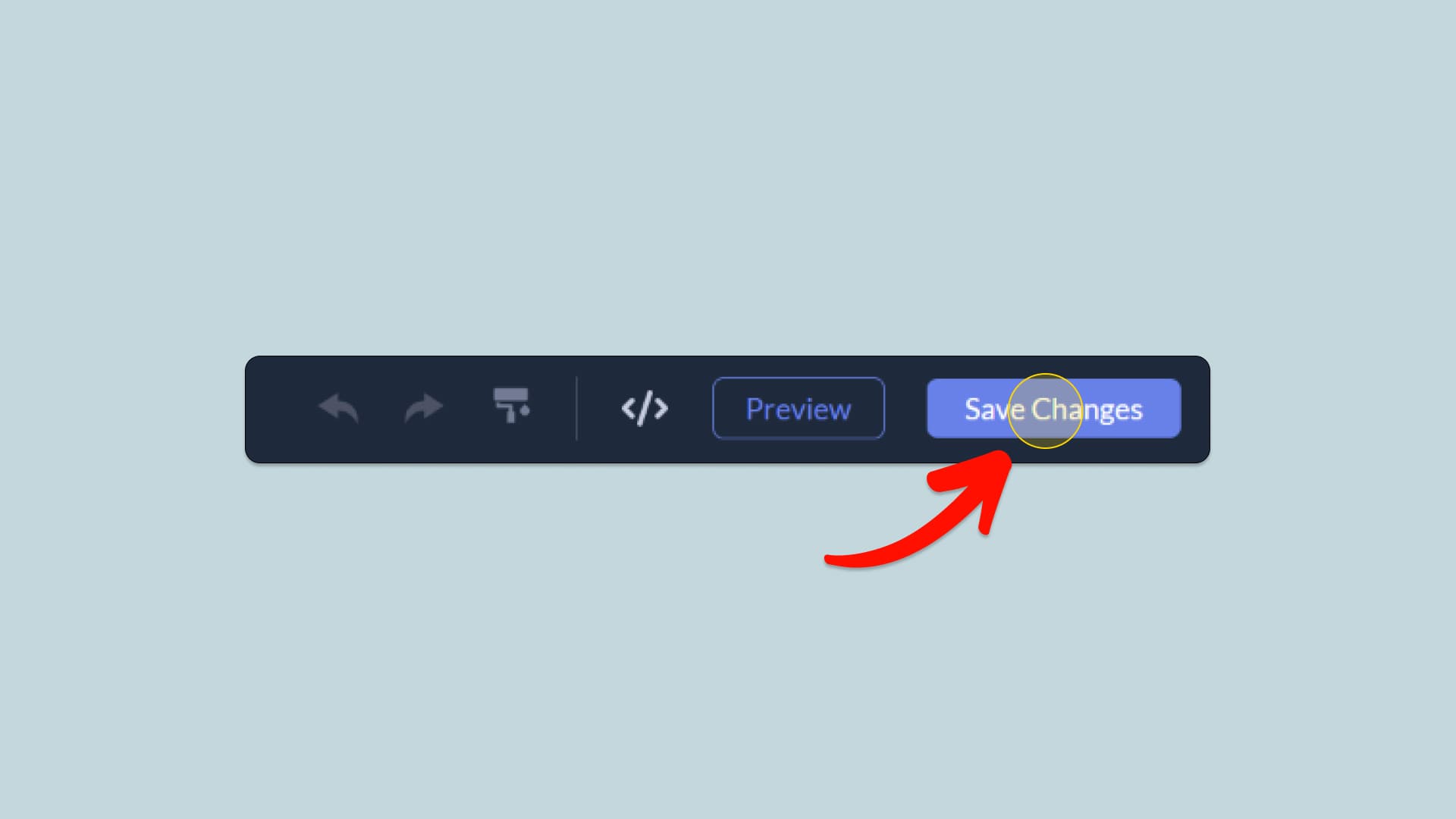
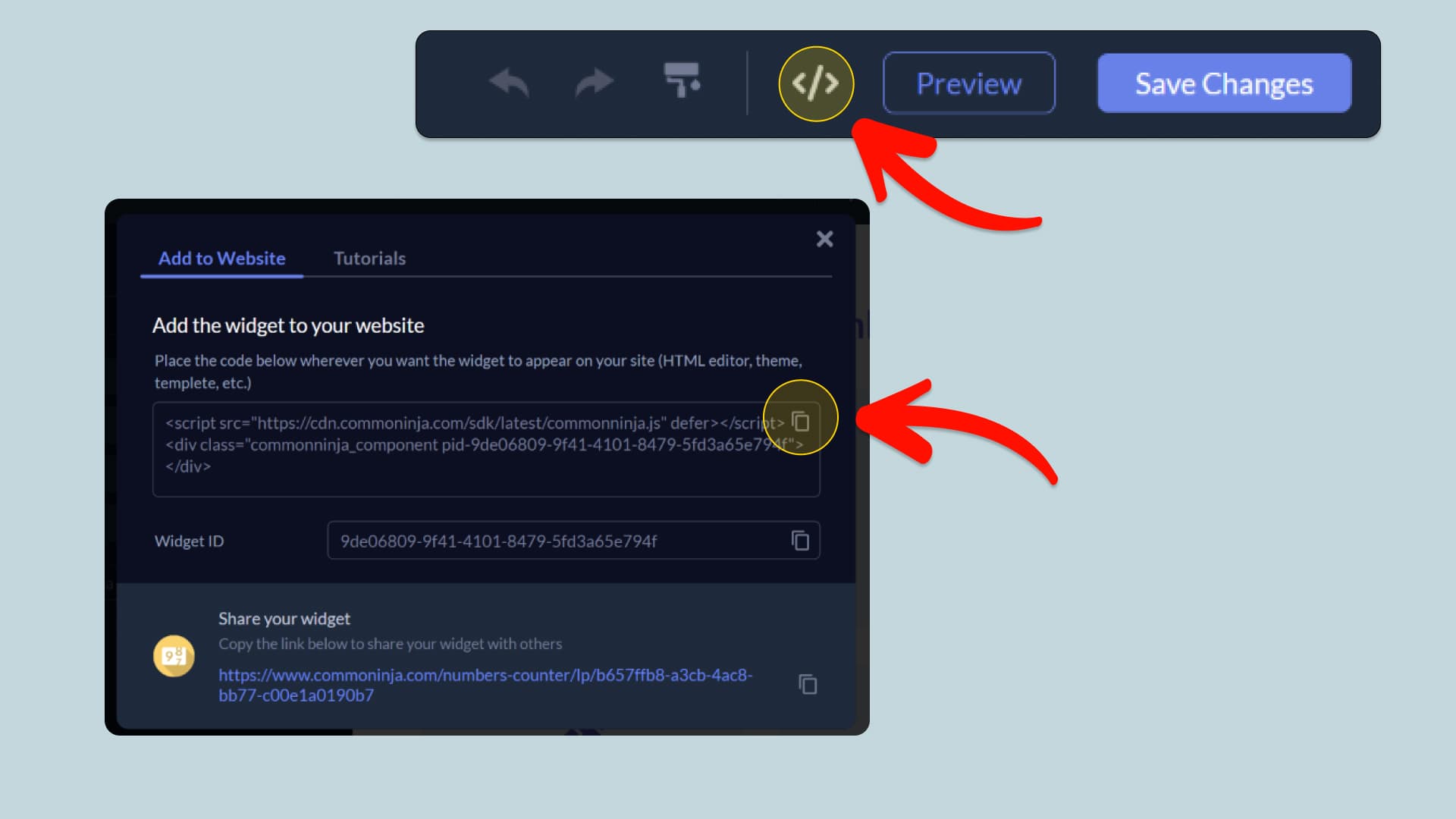
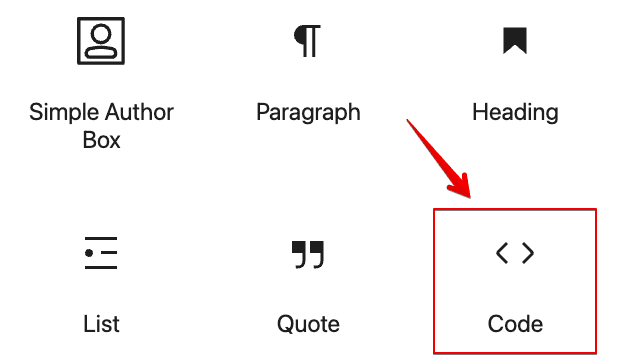
In this quick guide, you'll learn how to embed the Tilted Image into your website by generating your embed code and adding it seamlessly to your website.
How to Embed Tilted Image on Your Platform
Choose your platform to see detailed, step-by-step instructions for embedding Tilted Image seamlessly.


Embed Tilted Image on Your Website


Why Use This Widget
Use the Tilted Image widget when you want a simple way to add subtle motion and depth to key visuals without redesigning entire sections. Slight rotation and interactive tilt effects make images feel more alive, which can draw attention to products, screenshots, or portfolio pieces. This is well suited for hero images, feature highlights, and creative showcases. Because the widget focuses on a single, intentional effect, it keeps performance strong and avoids visual noise. You give your site a more modern, interactive feel while still keeping the underlying layout clear, fast, and easy to understand for visitors.
This tutorial was written by the Common Ninja product team, creators of interactive, no-code widgets for websites. Common Ninja helps over 500,000 users build engaging online experiences without coding.