Lottie Player for WPBakery

Use a Lottie player to embed lightweight JSON animations that improve visual design, keep pages fast, and create a smoother user experience.

Create a Lottie Player

loved by 500K+ businesses

WPBakery
plugineditor

Why Should You Use the Lottie Player Widget+?

Captivate Your Audience with Lottie Animation Integration

With the Lottie player for WPBakery, incorporate captivating, expertly designed animations into your WPBakery website, boosting user engagement and making your content more appealing. In addition, these animations enable you to create a stronger connection with your audience, making your content more memorable.

Boost Load Speed with Lightweight Lottie Animations

Lottie animations are lightweight and designed for optimal web performance, ensuring your WPBakery website loads quickly and performs efficiently. The speed advantage Lottie animations provide can set your WPBakery website apart from the competition, leading to a better user experience and improved search engine rankings. Moreover, the improved performance offered by Lottie animations can enhance user experience and contribute to higher search engine rankings for your WPBakery website.

Professionally Designed Animations for WPBakery

Lottie animations provide your WPBakery with remarkable quality and visual allure, designed by talented animators. Save valuable time and resources by utilizing the beautiful animations created by professionals in the industry. Plus, these animations are easily customizable, allowing you to align them perfectly with your brand identity and website aesthetics.

Fine-Tune Your Animations on WPBakery with Speed & Loop Controls

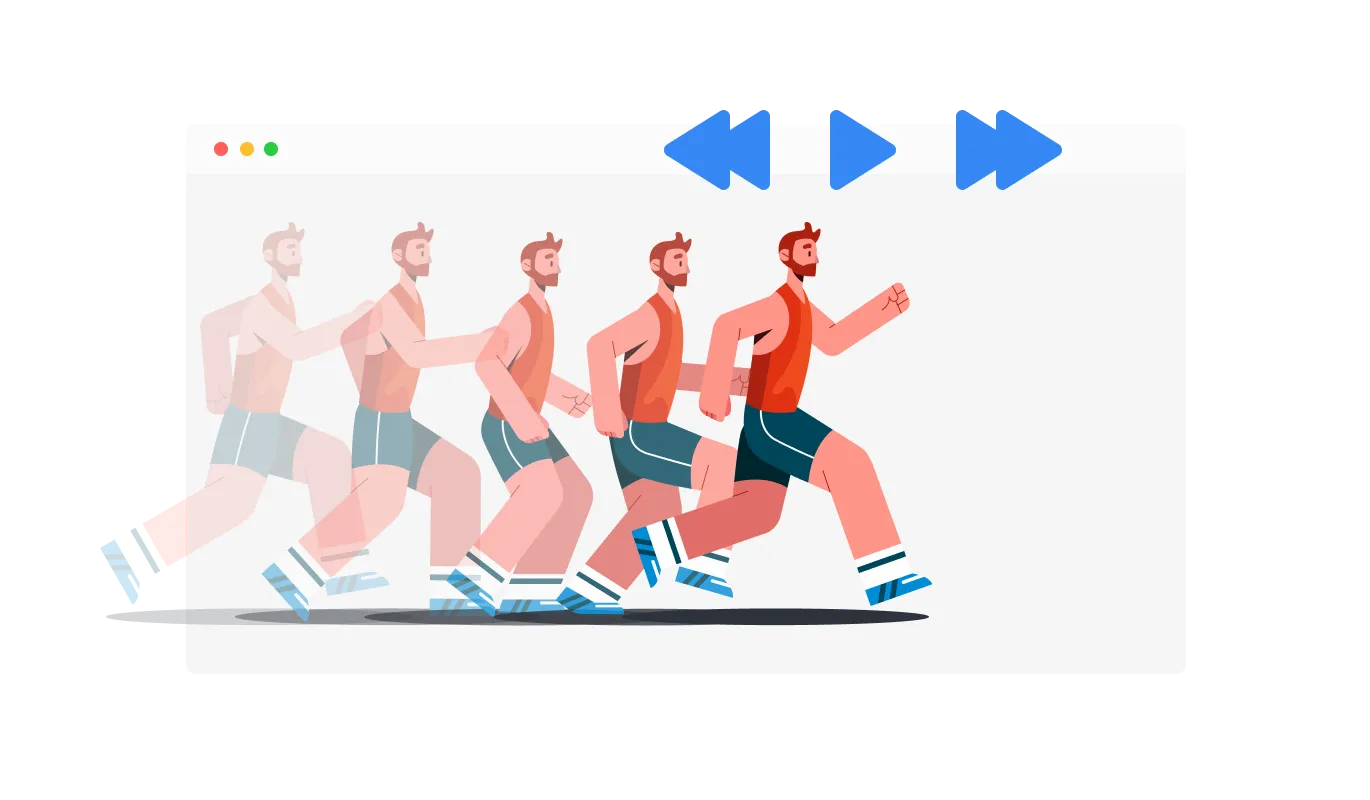
The Lottie Player for WPBakery comes with advanced control that enables the control of speed, and toggling the option to loop, providing further customization options to ensure your animations align with your brand and your WPBakery website's vision.
Lottie Player - Fine-Tune Your Animations on WPBakery with Speed & Loop Controls

Enhance User Experience with Flexible Playback Controls on WPBakery Lottie Player

The WPBakery Lottie Player provides you with the flexibility to determine when your Lottie animation plays, including hover, scroll, view, and auto-play options. The "When To Play" controls enable your animations to effortlessly integrate with your WPBakery website's user experience.

Lottie Player -  Enhance User Experience with Flexible Playback Controls on WPBakery Lottie Player

Enjoy Cross-Platform Compatibility with Responsive Lottie Player on WPBakery

Experience seamless animations on any device with the fully responsive Lottie Player add-on for WPBakery. The responsive Lottie Player keeps you ahead of the curve in a mobile-first world, offering consistently high-quality animations across all devices.

Lottie Player - Enjoy Cross-Platform Compatibility with Responsive Lottie Player on WPBakery
Lottie Player - Make Your WPBakery Lottie Animations Clickable

Make Your WPBakery Lottie Animations Clickable

With the WPBakery Lottie Player add-on, you can add clickable links to your animations, boosting interactivity. Clickable animations offer an engaging experience for users, which could contribute to increased user engagement and improved conversion rates.

Lottie Player - Unlock Creative Possibilities with Reverse Lottie Animations on WPBakery

Unlock Creative Possibilities with Reverse Lottie Animations on WPBakery

With the Lottie Player for WPBakery, you can toggle the "reverse animation" option to unlock new creative possibilities for your animations.

Lottie Player - Easy To Use Lottie Player

Easy To Use Lottie Player

With the WPBakery Lottie Player add-on, you can effortlessly customize your animations without any coding knowledge. Customize your Lottie Player with ease using our intuitive dashboard, featuring drag-and-drop functionality that's accessible to users at all skill levels.

Lottie Player Custom CSS

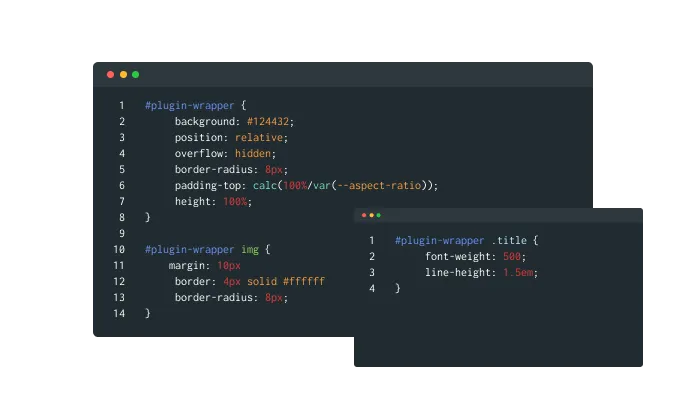
With the Lottie Player widget from Common Ninja, you can utilize custom CSS to enhance your creativity and personalize your animations. The custom CSS feature empowers you to achieve the perfect look for your Lottie animations, offering unparalleled creative control.

Lottie Player - Lottie Player Custom CSS

Effortlessly Embed the Lottie Player on Your WPBakery website

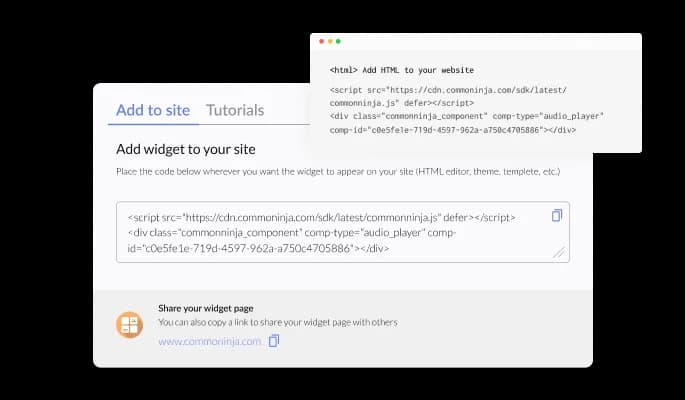
Seamlessly embed the Lottie Player widget onto your WPBakery website with the ease of copying just one line of code. Experience the convenience of automatic updates with the WPBakery Lottie Player add-on, keeping your content current without any additional effort.

Lottie Player - Effortlessly Embed the Lottie Player on Your WPBakery website

Compatible With All Site Builders, E-Commerce Platforms and Websites

webflow logoshopify logowix logowordpress logobigcommerce logosqurespace logoweebly logojoomla logoduda logojimdo logomagento logoshift4hsop logounbounce logocarrd logo
View all supported platforms

FAQ

A Lottie Player widget is a tool that allows you to easily integrate high-quality, lightweight, and customizable Lottie animations into your website. It offers a variety of controls and options to enhance user engagement and improve the overall user experience.

  1. Enhanced User Engagement: High-quality, visually appealing animations can attract users' attention, making your website more engaging and encouraging visitors to interact with your content.
  2. Improved User Experience: Lottie animations can be used to convey complex ideas or messages in a simple, visually appealing way, making it easier for users to understand your content and improving the overall user experience.
  3. Lightweight and Optimized: Lottie animations are lightweight and optimized for the web, ensuring faster load times and better performance. This can contribute to higher search engine rankings and a smoother browsing experience for users.
  4. Customizable and Responsive: Lottie animations are easily customizable and responsive, allowing you to tailor them to your brand's identity and website design. They also look great on any device, making your website more accessible to a wider audience.
  5. Cost-effective Solution: Using Lottie animations can save you time and money on designing and creating your own custom animations. Instead, you can leverage the work of professional animators to enhance your website.
  6. Interactivity: Lottie animations can be made interactive and clickable, providing new opportunities for user engagement and boosting conversion rates.
  7. Seamless Integration: With Lottie Player widgets, you can easily integrate Lottie animations into your website without the need for coding knowledge. The widget offers various controls and options, such as playback triggers and customization features, for seamless integration into your website's user experience.
  8. Cross-platform Compatibility: Lottie animations are compatible with various platforms and devices, ensuring a consistent visual experience for users regardless of the device they are using.
  9. Versatility: Lottie animations can be used for a wide range of purposes, including website design elements, illustrations, icons, and more, providing a versatile solution for enhancing your online presence.
  10. Stand Out from the Competition: By integrating high-quality Lottie animations into your website, you can differentiate yourself from competitors and make a lasting impression on your audience.


To install the Lottie Player widget, simply copy the provided embed code and paste it into your website's HTML. The widget will automatically update with any changes you make through the dashboard.

No, the Lottie Player widget is designed to be user-friendly and does not require any coding knowledge. The intuitive dashboard and drag-and-drop features allow users of all skill levels to customize and integrate the widget with ease.

Yes, the Lottie Player widget supports custom CSS, allowing you to fully control the appearance and style of your animations, making them seamlessly integrate with your website's design.

Yes, the Lottie Player widget is fully responsive and designed to look great on any device, ensuring a flawless display of your animations across platforms in a mobile-first world.

Yes, the widget offers “When To Play” controls that enable you to choose when the animation plays, such as on hover, scroll, view, or auto-play. This allows for seamless integration into your website's user experience.

The Lottie Player widget allows you to add URLs to the animations, making them clickable and interactive. This feature can help increase user engagement and potentially boost conversion rates.

Yes, the widget comes with advanced controls for speed and looping. You can customize the animation speed and choose whether to loop the animation, providing additional flexibility for your website's design and user experience.

The Lottie Player widget updates automatically with every change you make through the dashboard. There is no need for manual updates or re-embedding the code.

The Lottie Player widget is designed to be compatible with most website platforms and content management systems. However, it is recommended to test the widget on your specific platform to ensure full compatibility and seamless integration.

It’s simple. All you need to do is to sign up and start using the free version.

Common Ninja’s Lottie Player widget is free to use. It is limited to a certain amount of views, however.

Common Ninja’s Lottie Player widget is compatible with ALL current and future website builders.


Yes, the Lottie Player widget is GDPR-compliant.

No. Using our Lottie Player widget is very simple. The widget comes with an intuitive drag-and-drop interface and fully customizable options. Once you’ve finished editing the widget to your liking, all you need to do is copy the provided code and add it to your website.

Yes. We are eager to hear your request. Please visit our Feature Request page.