
Events Calendar for HubSpot

Add an events calendar to your site so visitors can view upcoming activities, improving engagement and event visibility.

Create Calendar

loved by 500K+ businesses

HubSpot
plugineditor

Why Should You Use the Events Calendar Widget+?

Event Coordination Made Easy with a HubSpot Calendar

With a calendar app on your HubSpot website, you get a simple yet effective tool to manage and highlight essential activities or deadlines, aiding your users in staying aware and organized. Additionally, giving a clear insight into future happenings encourages your visitors to plan in advance, which could boost their interaction and commitment to your content or services.

Boost User Participation with an Interactive Calendar app

A dynamic calendar app can boost user participation by inspiring them to check out future happenings, subscribe to event alerts, or even arrange appointments directly on your HubSpot website. Indeed, vibrant calendars can enhance user interaction by urging them to explore events, register for alerts, or book slots directly on your HubSpot website.

Professionalism Enhanced with a Well-Maintained Calendar

A well-maintained calendar reflects a sense of organization and professionalism, enhancing your brand image and building trust among your HubSpot website visitors. A well-ordered calendar not only reflects thorough organization and professionalism but also elevates your brand's image and promotes trust among your HubSpot website users.

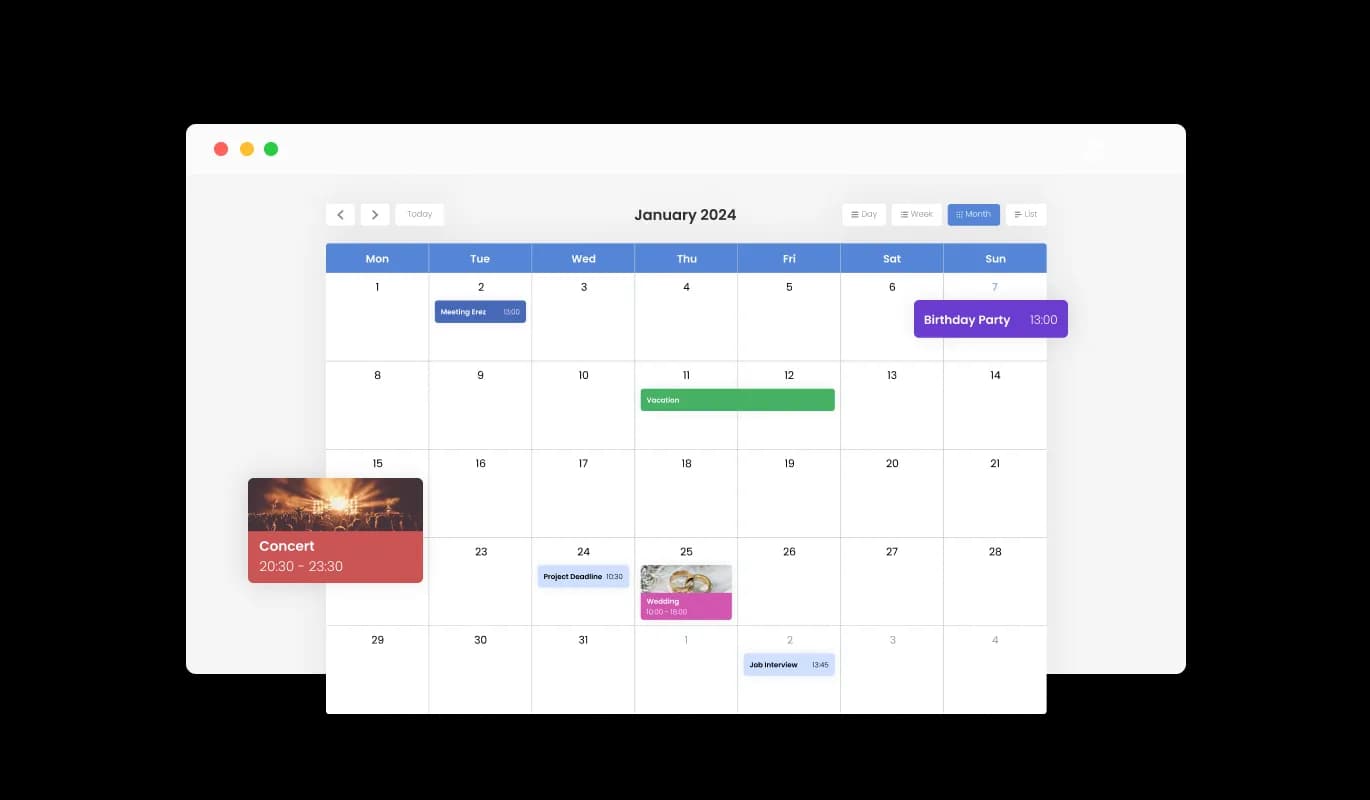
Color Customization for a Unique HubSpot app Experience

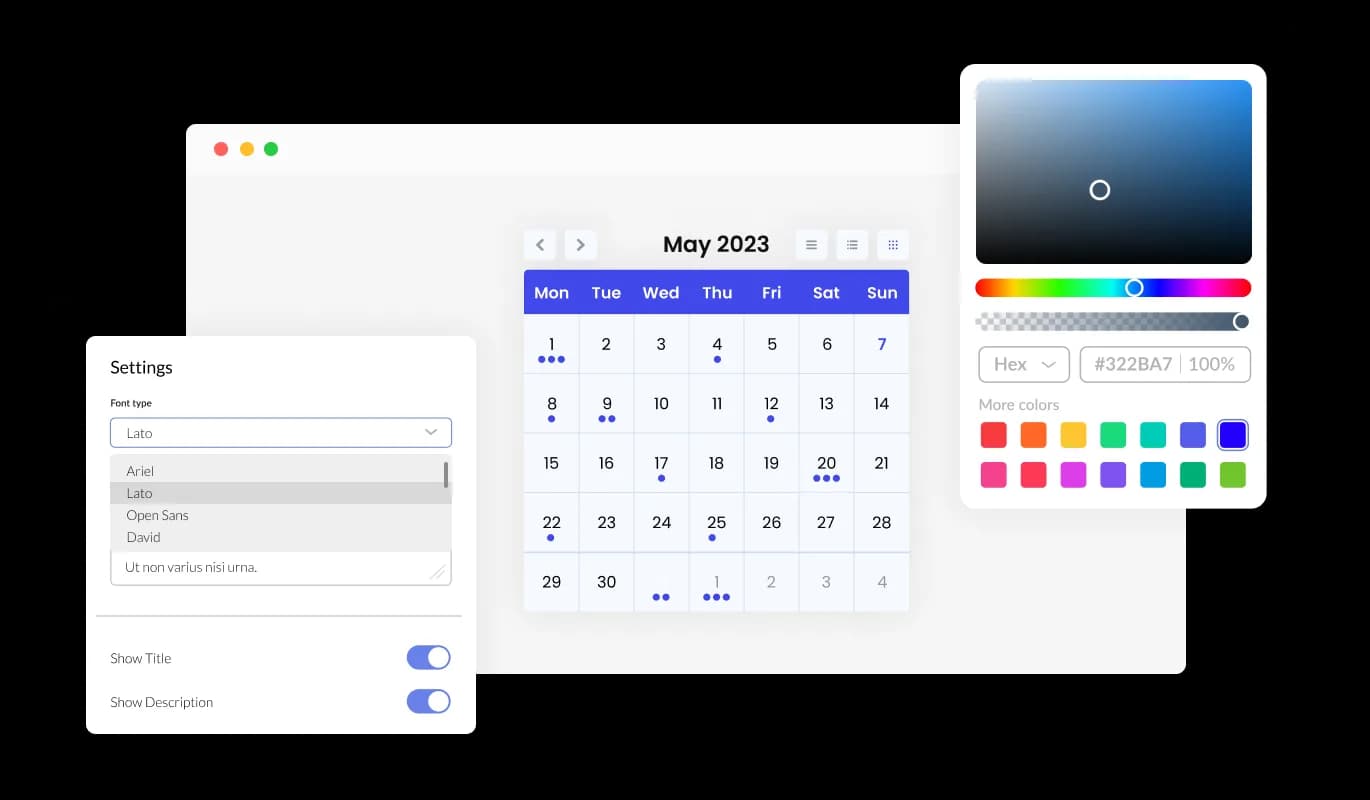
The Calendar app for HubSpot provides color customization options, enabling you to build eye-catching calendars that harmonize with your HubSpot website's branding or your individual preferences. This flexibility not only enhances the aesthetic appeal of your HubSpot website's but also aids in creating a consistent and immersive user experience that resonates with your brand.
Events Calendar - Color Customization for a Unique HubSpot app Experience

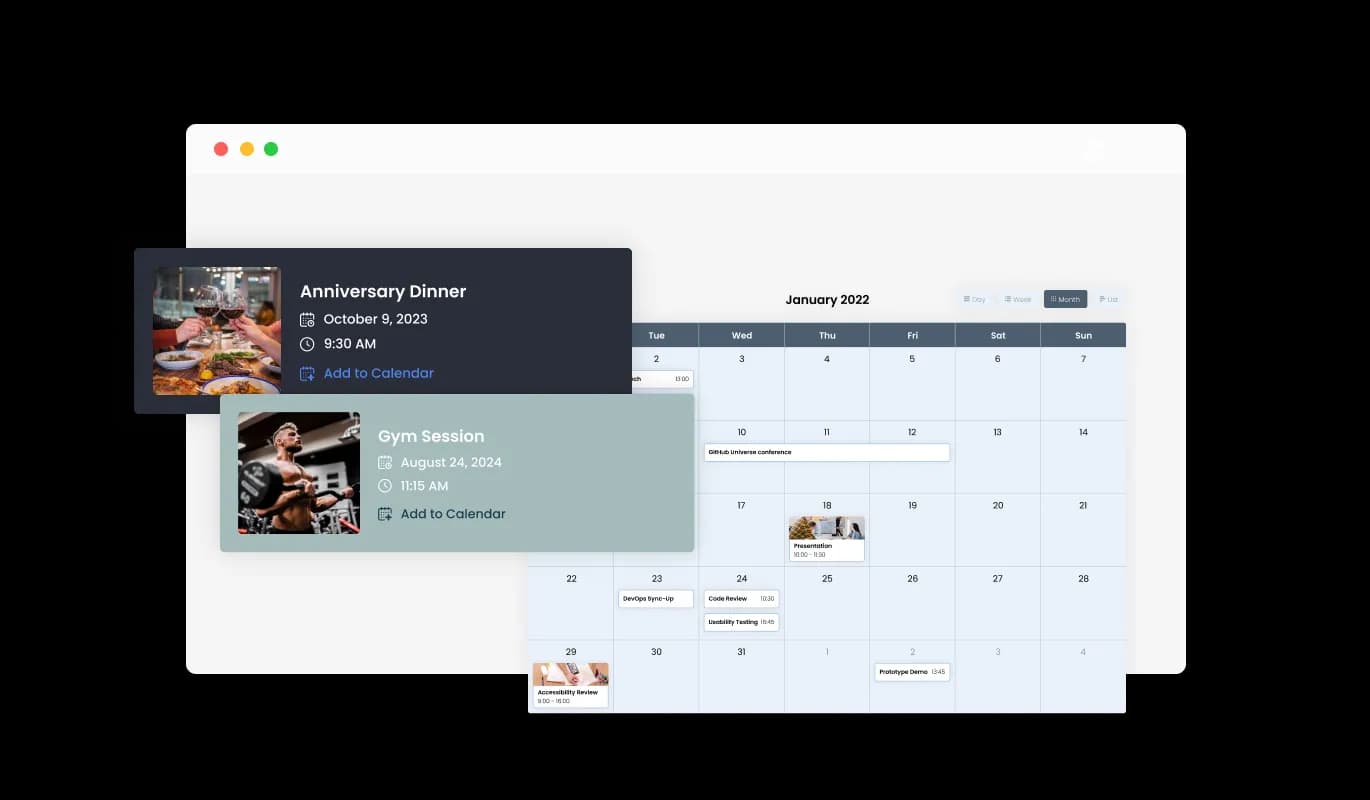
Create a Visually Engaging Calendar with Media Integration on HubSpot

With the media integration support in the Calendar app for HubSpot, you can add depth to your calendar by including images in events, offering a more visually captivating experience. This media-centric approach not only brings your HubSpot calendar to life but also gives your events a more richly detailed context, thus elevating the overall user experience.

Events Calendar - Create a Visually Engaging Calendar with Media Integration on HubSpot

Choose Your Start Date with Flexible Options in HubSpot Calendar app

The Calendar app provides a modifiable default view, granting you the choice of the initial display mode—whether a month, week, or day—that best fits your HubSpot website's needs, resulting in a more tailored user experience. This capability makes certain that your users are immediately offered the most appropriate view, boosting usability and ensuring that your HubSpot website serves a variety of user preferences.

Events Calendar - Choose Your Start Date with Flexible Options in HubSpot Calendar app

Simplify Design with Multiple Skins for HubSpot Calendar

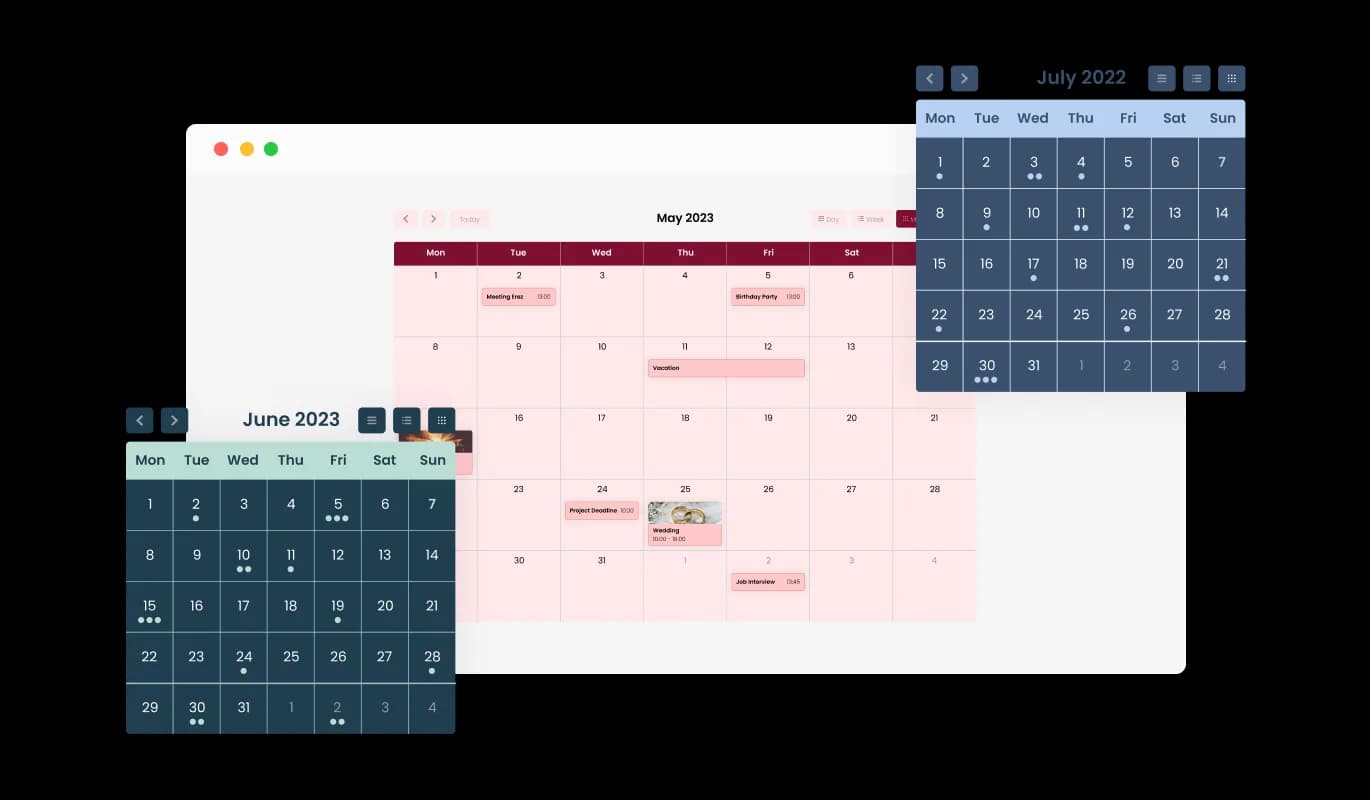
With a selection of beautiful skins, the HubSpot Calendar allows you to effortlessly pick your preferred aesthetic without the need for time-consuming customization. These ready-made skins not only save you effort but also guarantee a professional and visually pleasing look, amplifying your HubSpot website's allure without requiring detailed design work.

Events Calendar - Simplify Design with Multiple Skins for HubSpot Calendar
Events Calendar - Simplified All-Day Event Coordination with HubSpot Calendar app

Simplified All-Day Event Coordination with HubSpot Calendar app

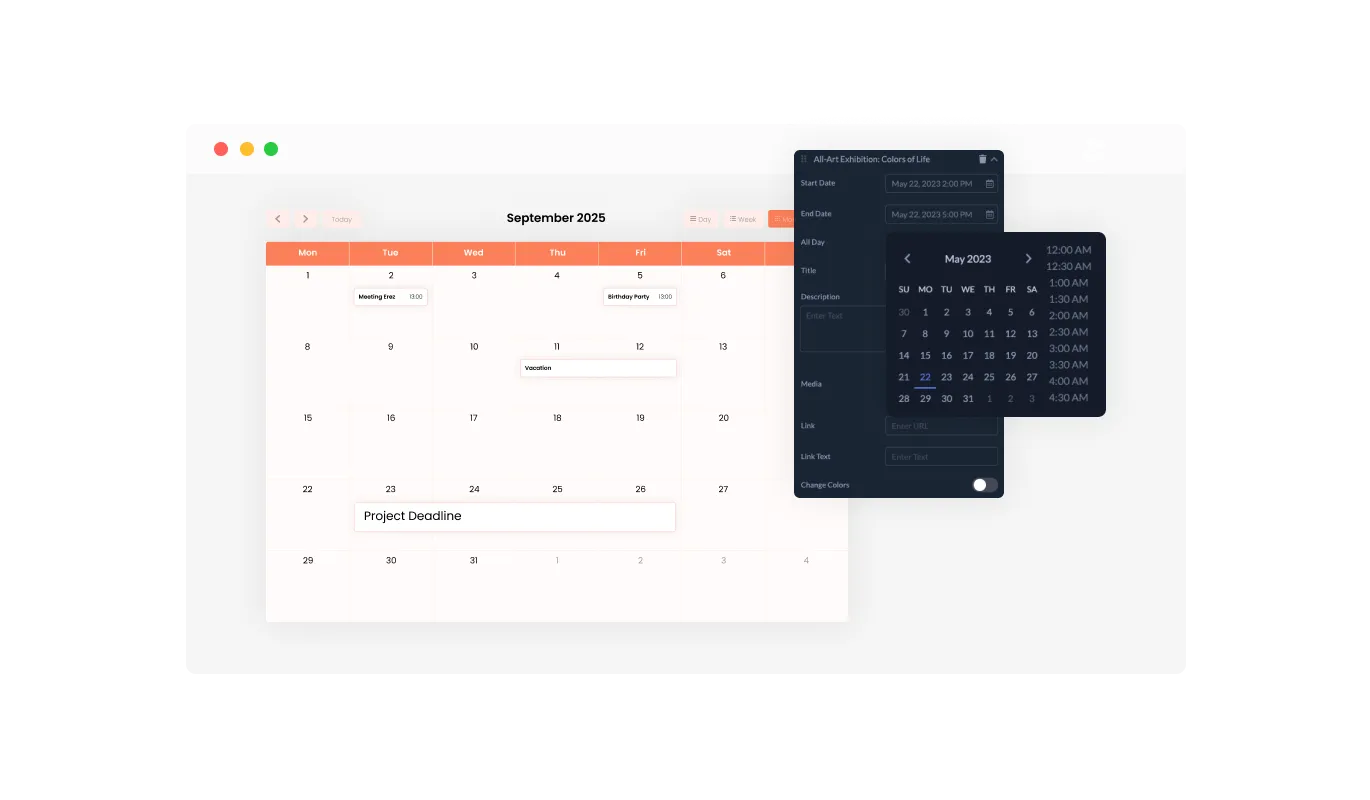
The HubSpot Calendar app enables effortless toggling of events as "All Day," allowing you to conveniently manage and display full-day events without specifying a specific time. This function simplifies the process of highlighting important happenings, making it more straightforward for your users to identify and plan around all-day events.

Events Calendar - Adding Links for Enhanced Interactivity in HubSpot Calendar

Adding Links for Enhanced Interactivity in HubSpot Calendar

With the HubSpot Calendar's link integration feature, you can enhance user interaction by attaching URLs to particular dates or events, offering more insights, or steering users to appropriate pages. This feature not only adds depth to your event descriptions but also serves as a tool for guiding your visitors to additional resources or actions, thereby increasing user engagement and satisfaction.

Events Calendar - HubSpot Calendar app Embraces Diversity with Full RTL Support

HubSpot Calendar app Embraces Diversity with Full RTL Support

Offering full RTL support, the Calendar app for HubSpot is inclusive of users who write from right to left. Open your content to a wider audience around the world. This inclusivity feature broadens your HubSpot website's reach, making it more user-friendly and accessible to a global audience, thus promoting diversity and inclusivity.

Events Calendar - Simple and Efficient: The Easy-to-Use HubSpot Calendar app

Simple and Efficient: The Easy-to-Use HubSpot Calendar app

The HubSpot Calendar app is user-friendly and does away with the necessity for any coding knowledge. Our user-friendly dashboard, complete with a drag-and-drop feature, enables you to modify the Calendar app just the way you like it, with only a few simple clicks. This user-friendly design empowers even non-technical you to customize the app to your liking, making it a versatile tool for enhancing your HubSpot website's functionality and appeal.

HubSpot Calendar app: Your Calendar, Your Style

The HubSpot Calendar app includes full customization options, giving you the freedom to adjust the design as per your needs. Personalize it all, from colors and fonts to spacing and more! This depth of customization offers you the freedom to establish a one-of-a-kind, personalized calendar that resonates with your brand identity, thereby amplifying the overall aesthetics and user experience of your HubSpot website.

Events Calendar - HubSpot Calendar app: Your Calendar, Your Style

Perfectly Responsive Calendar app

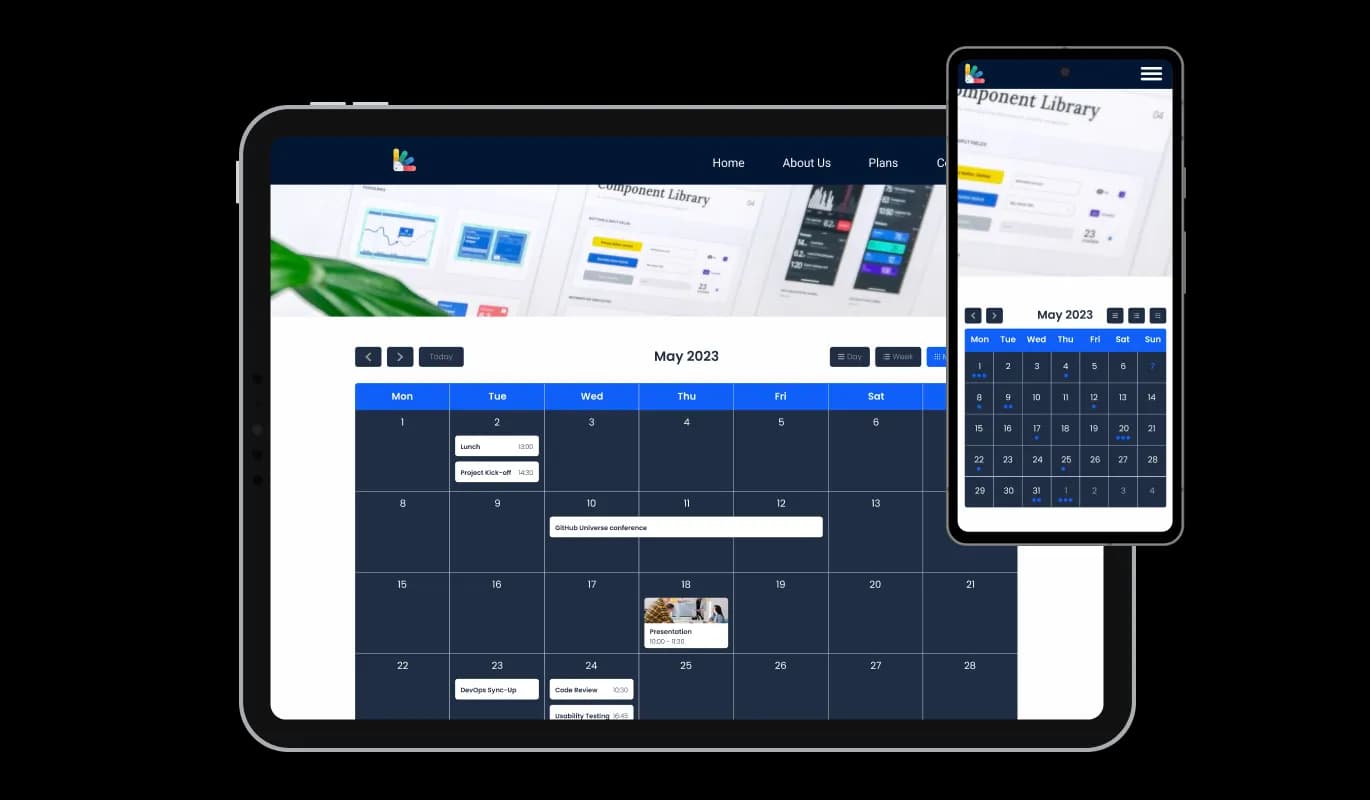
The HubSpot Calendar is fully responsive and will look great on any device. Given the importance of mobile, this feature provides a significant advantage over your competitors. This optimal responsiveness ensures a frictionless user experience on all devices, granting you an upper hand in today's mobile-centric digital environment.

Events Calendar - Perfectly Responsive Calendar app

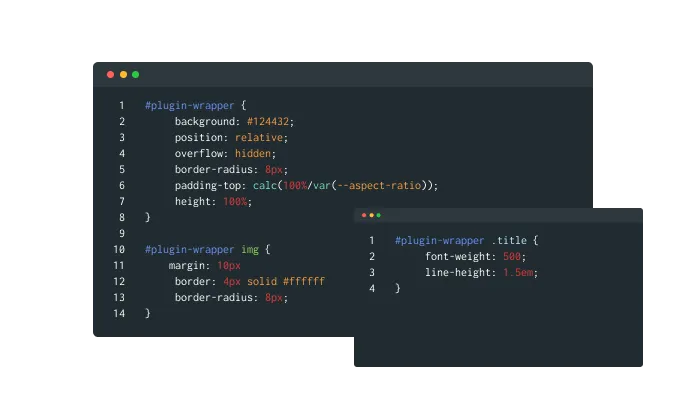
Total Customization with HubSpot Calendar's Custom CSS

The HubSpot Calendar app's custom CSS feature offers you the ultimate control over the look and feel of your calendar. This advanced customization option allows you to modify the HubSpot app's design elements such as colors, fonts, and layout to perfectly match your HubSpot website's aesthetics, providing a truly personalized and seamless user experience.

Events Calendar - Total Customization with HubSpot Calendar's Custom CSS

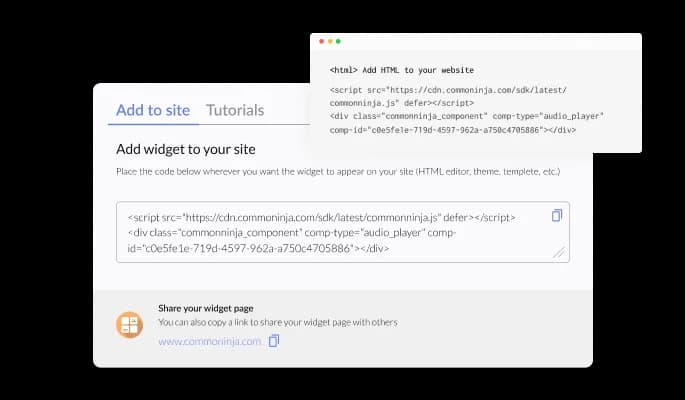
Simplify Your Life: Easily Embed HubSpot Calendar app

Embedding the Calendar app on your HubSpot website is a breeze — all you need is to copy one line of code. Each alteration you make will prompt an automatic update of the Calendar app. This straightforward integration and auto-updating feature not only simplifies the deployment process but also guarantees that your HubSpot website always presents the most current and pertinent details.

Events Calendar - Simplify Your Life: Easily Embed HubSpot Calendar app

Compatible With All Site Builders, E-Commerce Platforms and Websites

webflow logoshopify logowix logowordpress logobigcommerce logosqurespace logoweebly logojoomla logoduda logojimdo logomagento logoshift4hsop logounbounce logocarrd logo
View all supported platforms

FAQ

Yes, there are lots of beautiful skins that you can choose from to save time and start using the widget as quickly as possible.

It’s simple. All you need to do is to sign up and start using the free version.

Common Ninja’s Calendar widget is free to use. It is limited to a certain amount of views, however.

Common Ninja’s Calendar widget is compatible with ALL current and future website builders.

Yes, the Calendar widget is GDPR-compliant.

No. Using our Calendar widget is very simple. The widget comes with an intuitive drag-and-drop interface and fully customizable options. Once you’ve finished editing the widget to your liking, all you need to do is copy the provided code and add it to your website.

Yes. We are eager to hear your request. Please visit our Feature Request page.