Try for free!

Animated Headline for WebWave

Add animated headlines to draw attention to key messages and improve user engagement through visual emphasis.

Create Animated Headline

loved by 500K+ businesses

WebWave
plugineditoreditor

Why Should You Use the Animated Headline Widget+?

Improve your WebWave website's Aesthetics

By introducing the Animated Titles widget to your WebWave, you can effectively amplify the aesthetic appeal of your website, attracting more visitors. This not only heightens the overall user experience but also casts a positive light on your website's brand image and level of professionalism.

Boost Communication Clarity with Animated Headline

With Animated Headlines, you can express complex concepts or important details more efficiently to your WebWave website visitors. This aids in improving communication and understanding, leading to a more streamlined and information-rich user experience for all parties.

Boost Your Conversion Rates with Animated Headline

Animated Headline widget on your WebWave effectively puts emphasis on key messages or calls to action, guiding your website's visitors towards desired outcomes like signing up for a newsletter or making a purchase. Consequently, this leads to improved conversion rates and heightened profits.

Bring Any Sentence Segment to Life with Animated Headline

Thanks to our latest feature in the WebWave Animated Titles widget, you're not limited to animating just complete sentences or titles anymore. Now, you can animate any portion of your sentence - from the beginning, through the middle, to the end. This enhancement provides you with increased flexibility to underscore particular words or phrases, rendering your content more immersive and engaging.
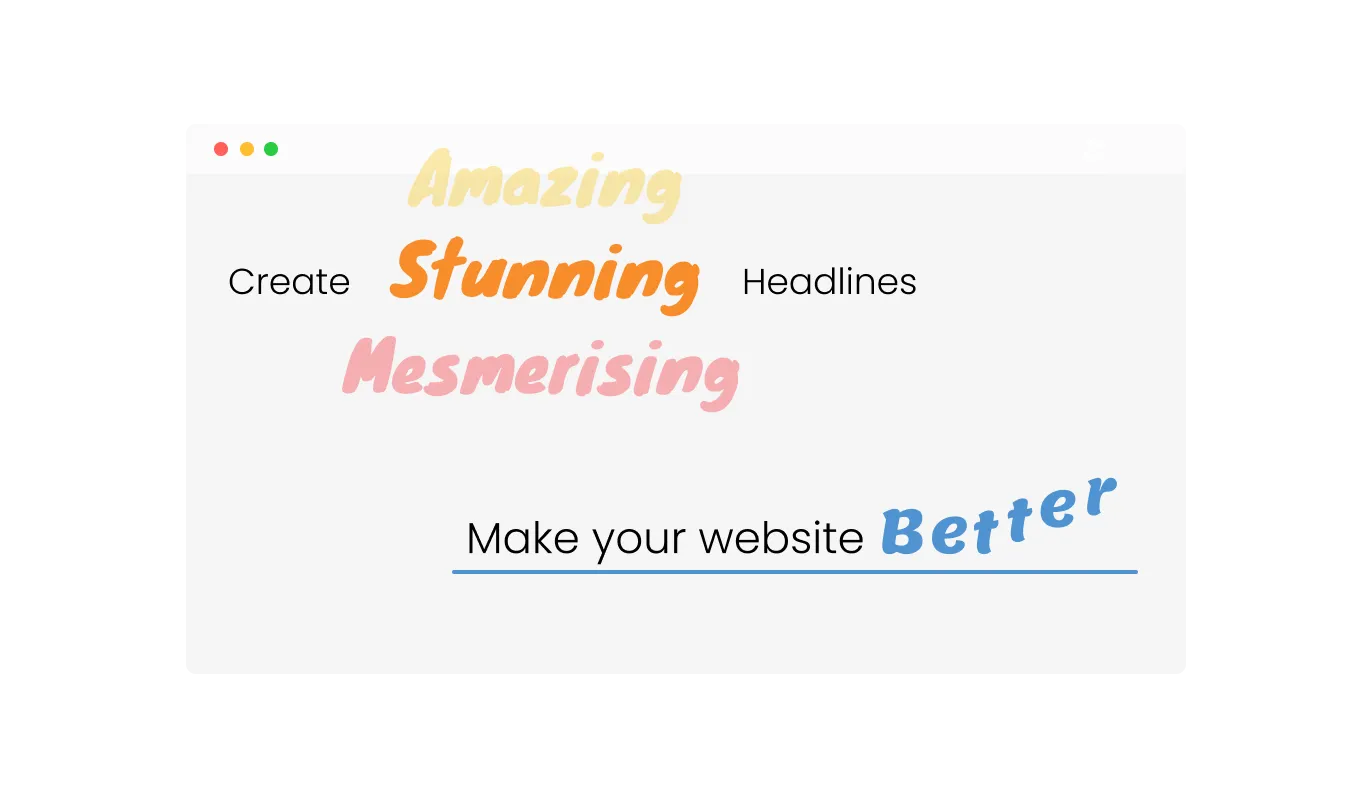
Animated Headline - Bring Any Sentence Segment to Life with Animated Headline

Full Customization Freedom with Animated Titles

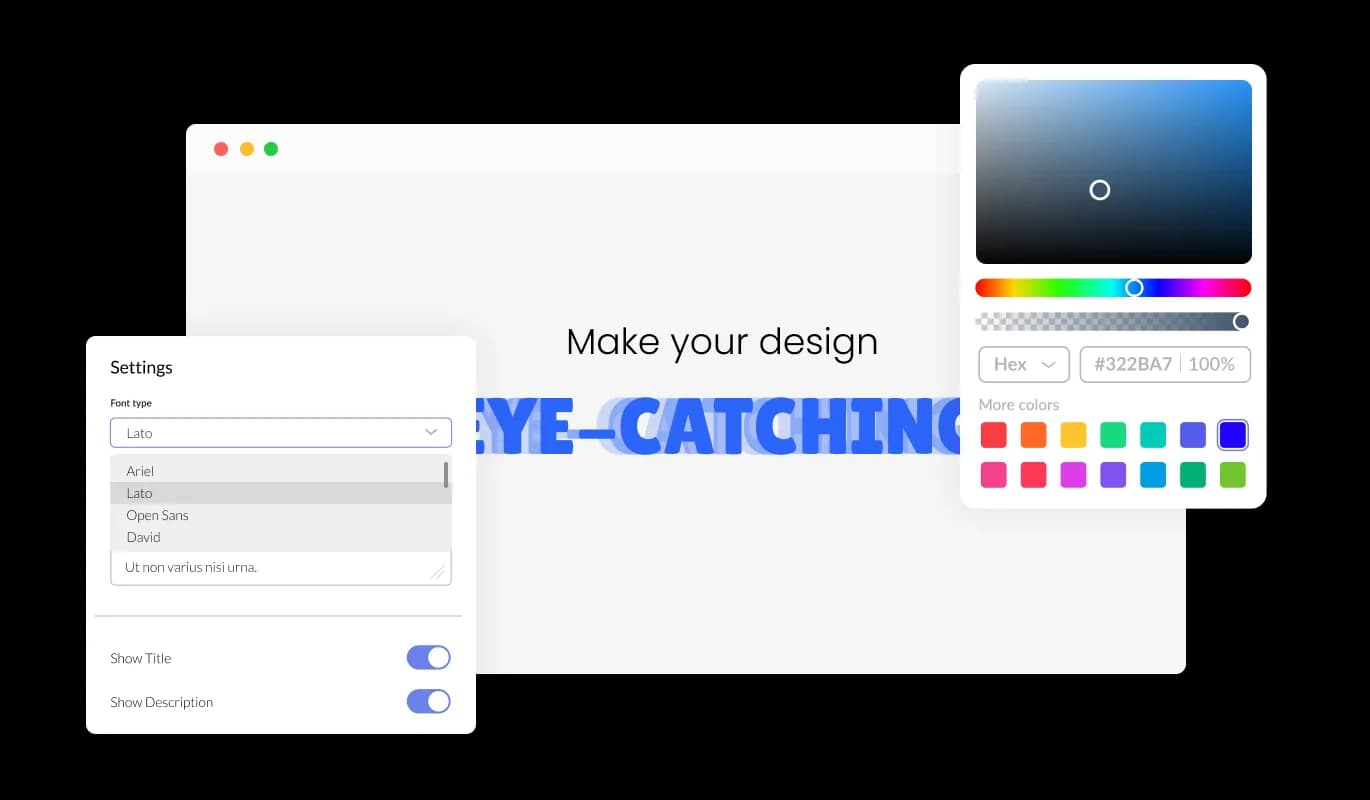
The animated title for WebWave is fully customizable, empowering site owners to modify every aspect of the title to suit their preferences. This level of control ensures that the final result is always in line with the desired outcome and the website's branding.

Animated Headline - Full Customization Freedom with Animated Titles

Enjoy Fully Responsive Animated Titles on WebWave

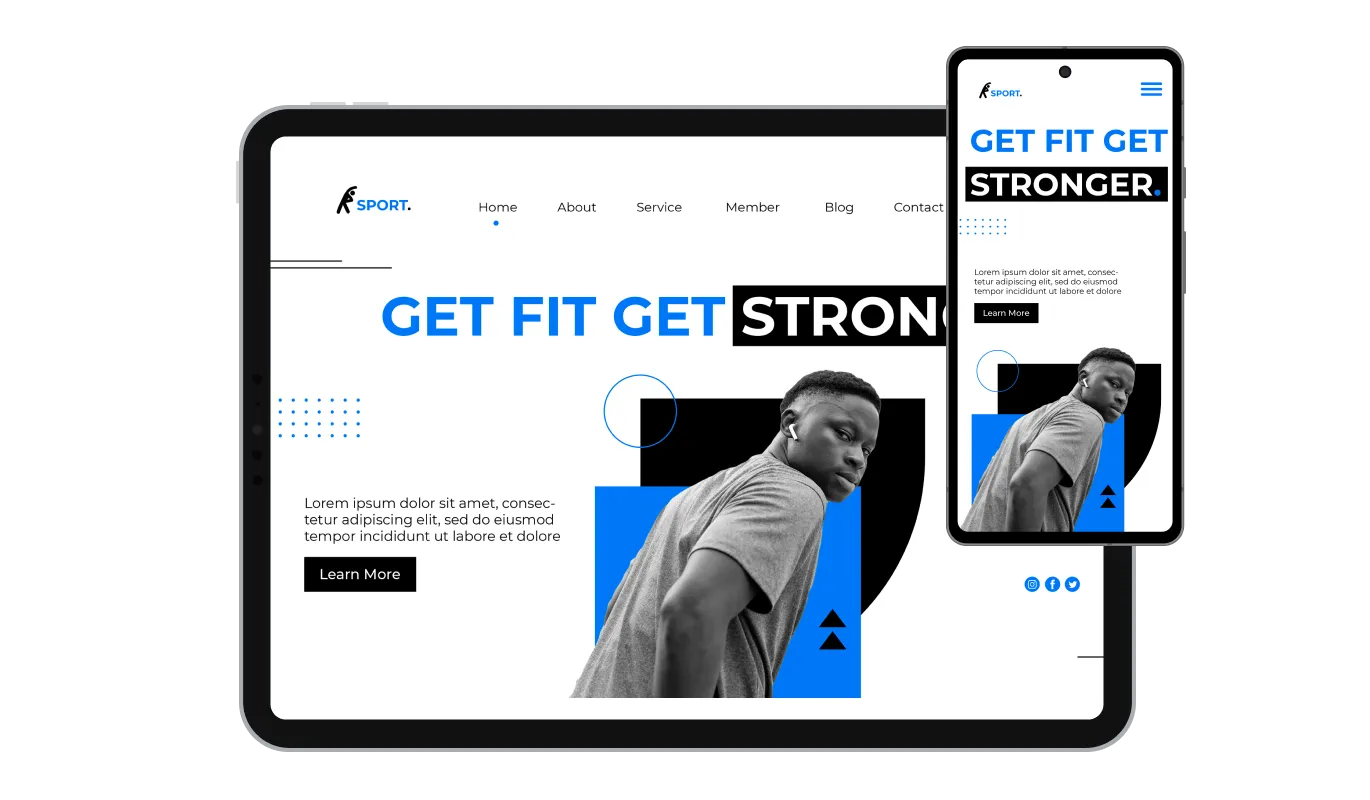
Thanks to its fully responsive design, the Animated Titles on WebWave ensure that your titles display perfectly on all devices, including mobile phones, tablets, and desktop computers. This provides a consistent and enjoyable user experience for your WebWave website visitors, regardless of their choice of device.

Animated Headline - Enjoy Fully Responsive Animated Titles on WebWave
Animated Headline - Choose from a Variety of Animation Effects with Animated headline

Choose from a Variety of Animation Effects with Animated headline

Animated headline widget on your WebWave provides 10 different animation effects, giving you the freedom to choose the style that best suits your website's theme and brand identity. Such customization options guarantee that the animated titles will perfectly integrate with the design of your WebWave website.

Animated Headline - Advanced Typography Options

Advanced Typography Options

With advanced typography options, you can easily customize the font, size, and color of your animated titles to create the desired look and feel. These settings make it possible for you to keep a consistent visual style across your WebWave website.

Animated Headline - Enjoy a User-friendly Interface with Animated Headline

Enjoy a User-friendly Interface with Animated Headline

With an easy-to-navigate interface, the Animated Titles widget for WebWave simplifies the task of creating and customizing your animated titles. This user-friendly approach ensures that even those with minimal technical knowledge can effectively implement the widget on their website.

Use Custom CSS

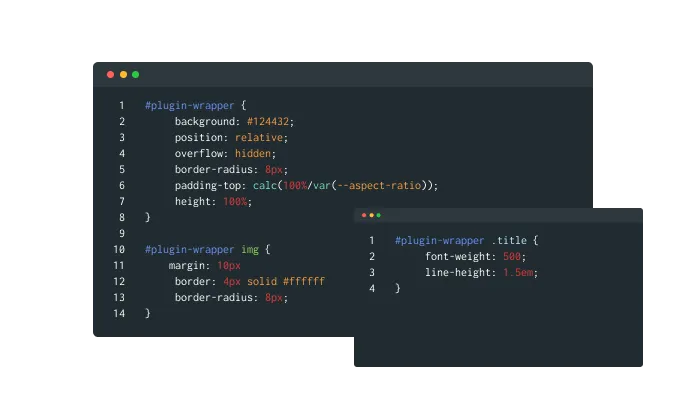
If you have coding expertise, the Animated headline widget supports custom CSS, providing even more granular control over the presentation and operation of the animated titles. This feature caters to advanced users who seek a higher level of customization.

Animated Headline - Use Custom CSS

Easy-as-Pie Animated headline Integration

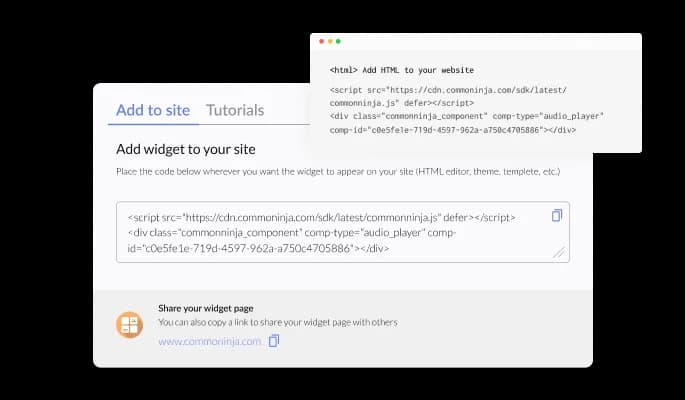
The animated title for WebWave is simple to embed on any website with just one line of code, ensuring a hassle-free integration process. This ease of operation makes it suitable for site owners of all skill levels, from beginners to veteran web developers.

Animated Headline - Easy-as-Pie Animated headline Integration

Compatible With All Site Builders, E-Commerce Platforms and Websites

webflow logoshopify logowix logowordpress logobigcommerce logosqurespace logoweebly logojoomla logoduda logojimdo logomagento logoshift4hsop logounbounce logocarrd logo
View all supported platforms

FAQ

Installing the Animated Title Widget is incredibly simple. Just add one line of code to your website, and you're good to go. This makes it accessible for site owners of all skill levels.

Yes, the widget offers 10 different animation effects, allowing you to choose the perfect style to match your website's theme and brand identity. You can also further customize the appearance using advanced typography options and custom CSS.

Absolutely! The widget features a fully responsive design, ensuring that animated titles display perfectly on all devices, including mobile phones, tablets, and desktop computers.

Yes, the widget offers advanced typography options that let you easily customize the font, size, and color of your animated titles. This allows you to create a consistent visual style across your website.

While the widget does support custom CSS for users with coding knowledge, no coding skills are required to use its basic features. The easy-to-use interface allows you to customize and embed animated titles effortlessly, even if you're a beginner.

The widget is designed to be lightweight and efficient, ensuring minimal impact on your website's loading speed. As a result, you can enjoy the benefits of engaging animated titles without compromising your site's performance.

Yes, the widget is compatible with most website builders and content management systems, making it easy to integrate into your existing website. Simply follow the provided instructions to embed the widget using just one line of code.

Yes, you absolutely can! Our Animated Headline Widget now allows you to animate any part of your sentence. You can choose to animate the beginning, middle, or end of a sentence, giving you more flexibility to emphasize certain words or phrases. It's a great tool to make your content more engaging and visually appealing.