Events Calendar for Thinkific

Add an events calendar to your site so visitors can view upcoming activities, improving engagement and event visibility.

Create Calendar

loved by 500K+ businesses

Thinkific
plugineditor

Why Should You Use the Events Calendar Widget+?

Simplified Event Planning via a Calendar for Thinkific

A calendar app on your Thinkific site streamlines the management and promotion of vital events or deadlines, facilitating your audience's ability to stay updated and structured. Additionally, giving a clear insight into future happenings encourages your visitors to plan in advance, which could boost their interaction and commitment to your content or services.

Interactive Calendar app: A Key to Boost User Engagement

A lively calendar app can increase user interaction by prompting them to look into upcoming activities, sign up for event updates, or even book slots directly through your Thinkific site. In fact, dynamic calendars can boost engagement by motivating users to check out happenings, sign up for event announcements, or book meetings directly on your Thinkific site.

Exude Professionalism with a Well-Managed Calendar

Maintaining a well-structured calendar demonstrates your organizational skills and professional approach, boosting your brand's image and gaining trust from your Thinkific site visitors. A diligently curated calendar not only communicates strong organization and professionalism but also bolsters your brand image and nurtures trust among your Thinkific site visitors.

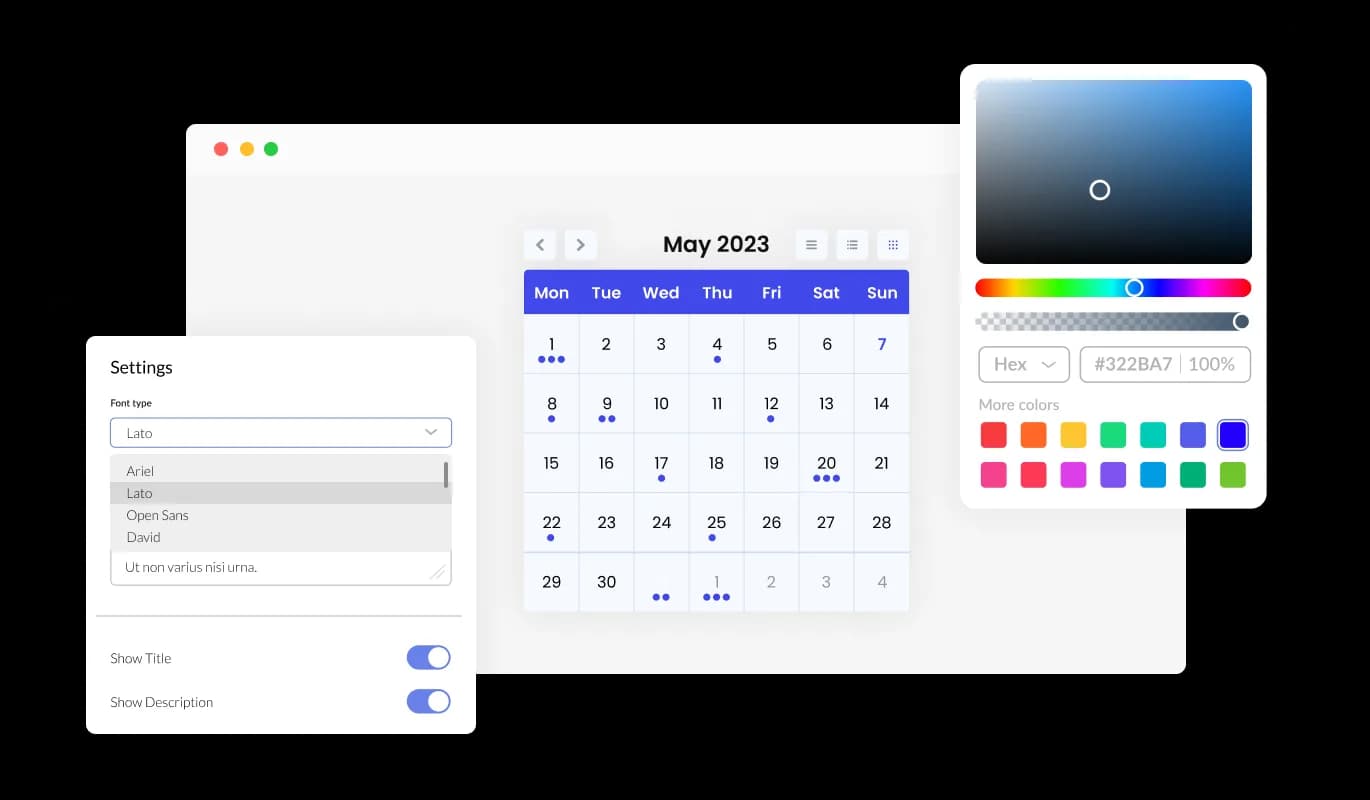
Customizable Colors for Your Thinkific app

With color customization options, the Calendar app for Thinkific lets you design attractive calendars that sync with your Thinkific site's branding or personal taste. This adjustability not only boosts the aesthetic allure of your Thinkific site but also helps in establishing a unified and immersive user experience that syncs with your brand.
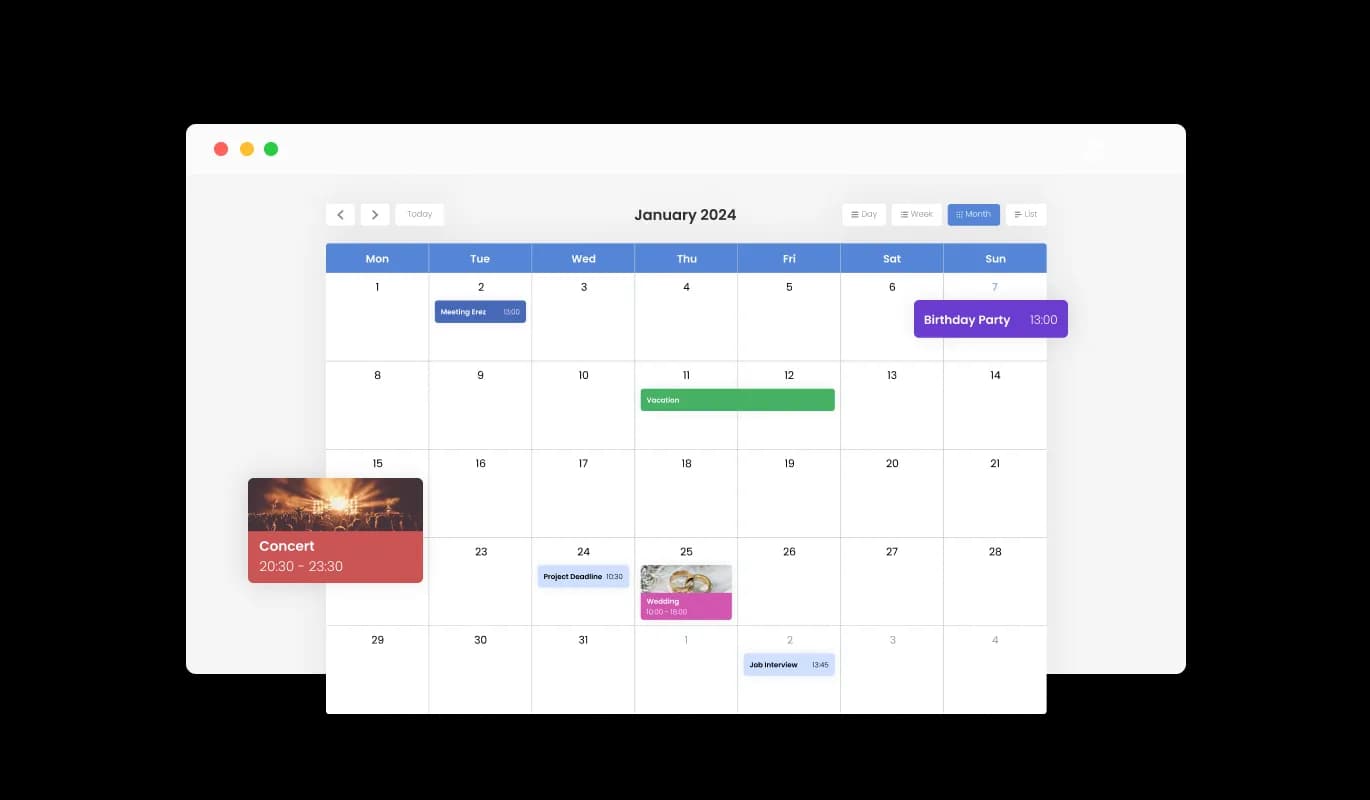
Events Calendar - Customizable Colors for Your Thinkific app

Add Life to Your Events with Media Integration on Thinkific Calendar

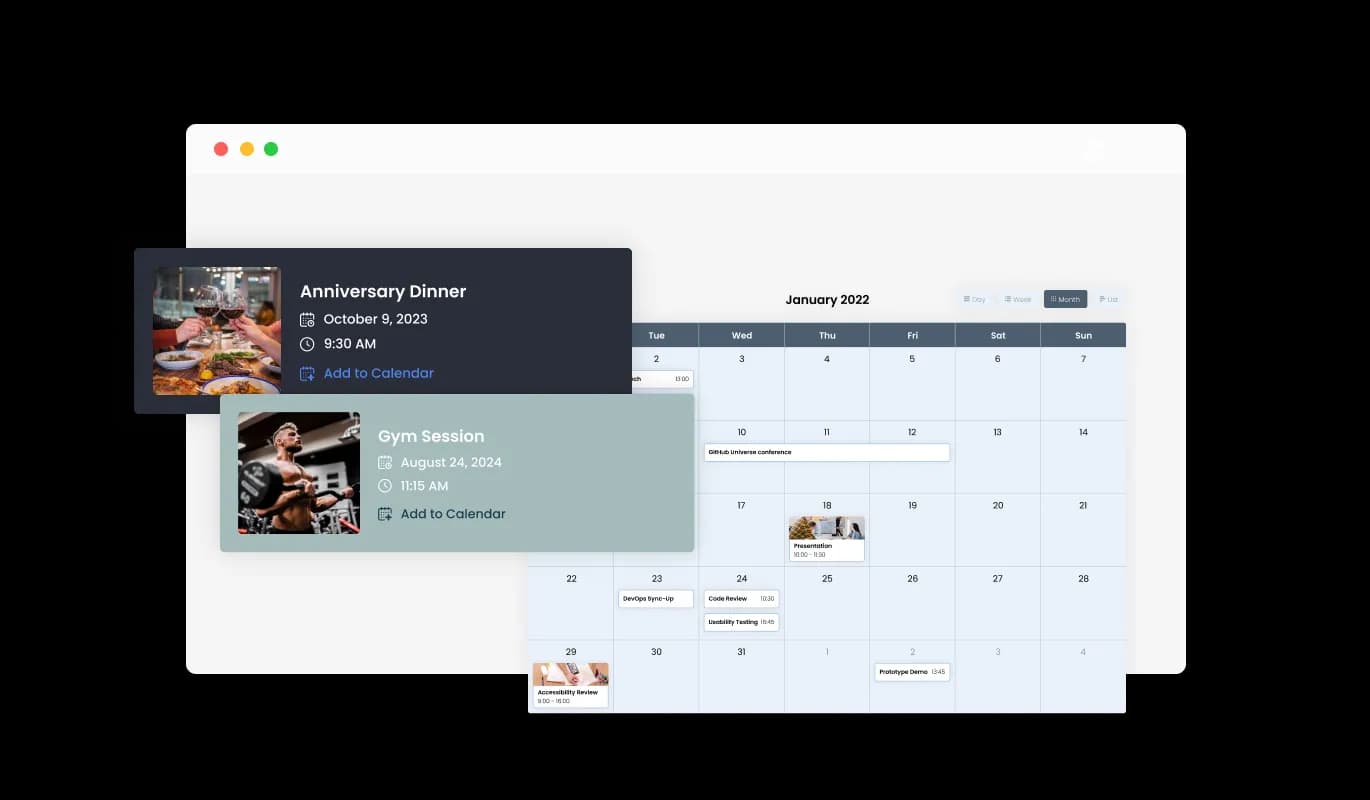
The Calendar app for Thinkific features media integration, allowing you to enhance your calendar's visual appeal by adding pictures to events, thus creating a more visually engaging user journey. The use of media not only increases the engagement factor of your Thinkific calendar but also provides a more detailed backdrop for your events, thereby improving the user's overall journey.

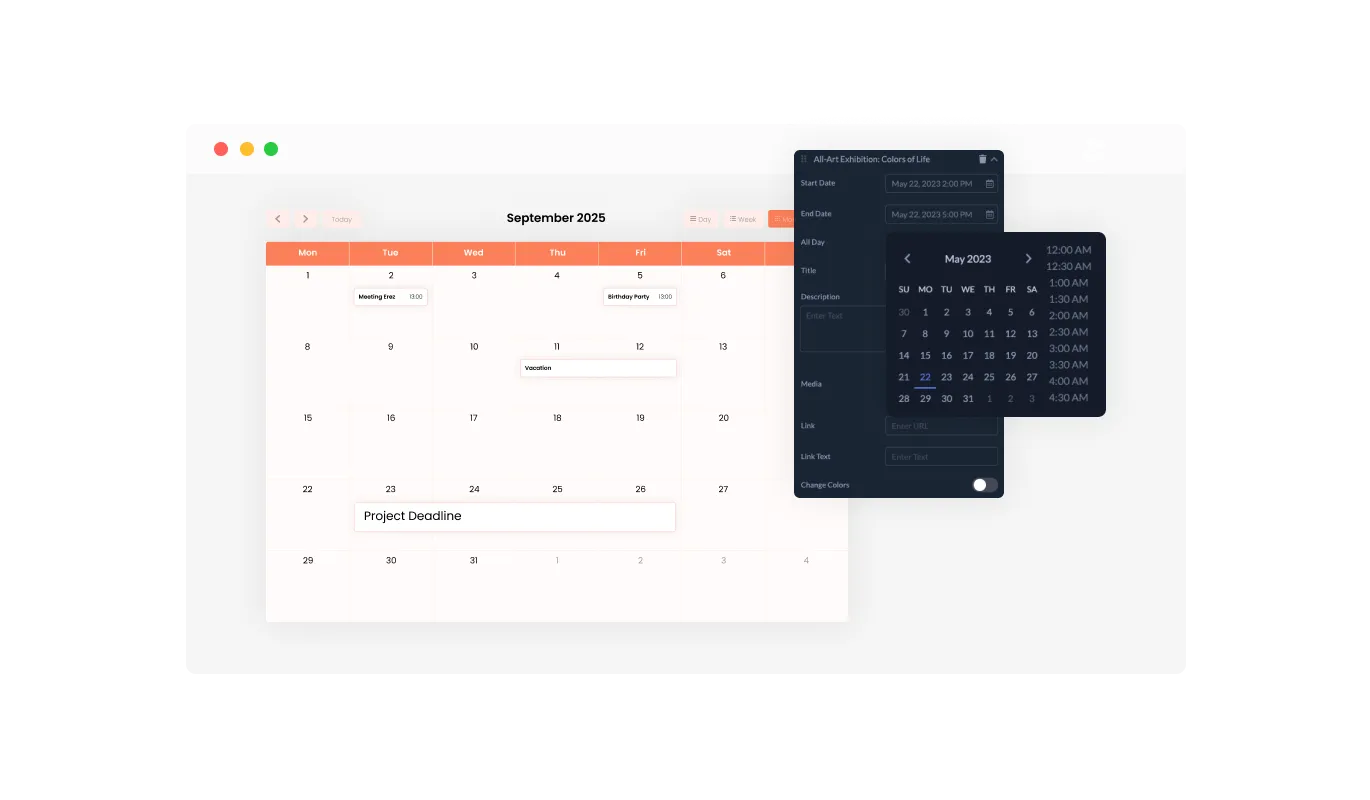
Events Calendar - Add Life to Your Events with Media Integration on Thinkific Calendar

Start Date Flexibility with Thinkific Calendar app

The Calendar app provides a modifiable default view, granting you the choice of the initial display mode—whether a month, week, or day—that best fits your Thinkific site's needs, resulting in a more tailored user experience. This feature ensures that your users are immediately presented with the most relevant view, enhancing usability and ensuring that your Thinkific site caters to a variety of user preferences.

Events Calendar - Start Date Flexibility with Thinkific Calendar app

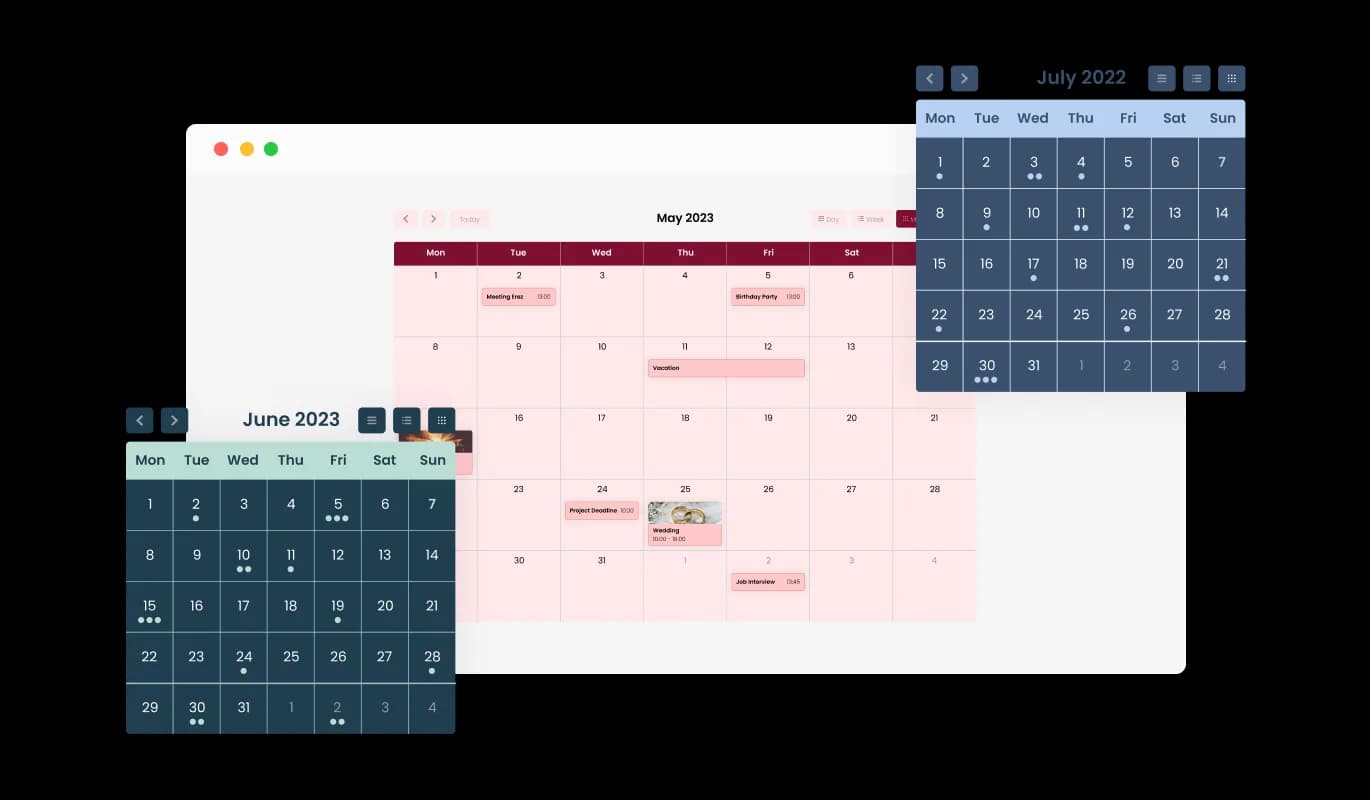
Simplify Design with Multiple Skins for Thinkific Calendar

The Thinkific Calendar boasts a selection of stunning skins, giving you the freedom to select your ideal look without dedicating a lot of time to complex customization. These off-the-shelf skins not only help conserve your time but also ensure a stylish and visually attractive look, boosting your Thinkific site's appeal without the need for comprehensive design work.

Events Calendar - Simplify Design with Multiple Skins for Thinkific Calendar
Events Calendar - Seamless All-Day Event Management

Seamless All-Day Event Management

The Thinkific Calendar app provides a seamless way to mark events as "All Day," helping you manage and showcase all-day activities without the need to mention a specific time. This characteristic makes the process of underscoring significant activities less complicated, enabling your visitors to more easily identify and prepare for all-day events.

Events Calendar - Enrich User Interaction with Link Integration on Thinkific Calendar

Enrich User Interaction with Link Integration on Thinkific Calendar

With the Thinkific Calendar's link integration feature, you can enhance user interaction by attaching URLs to particular dates or events, offering more insights, or steering users to appropriate pages. This capability not only intensifies the depth of your event information but also works as a guiding mechanism to lead your visitors to additional resources or actions, thereby enhancing user engagement and pleasure.

Events Calendar - Go Global with Thinkific Calendar app's Full RTL Support

Go Global with Thinkific Calendar app's Full RTL Support

The Calendar app for Thinkific provides full RTL support for those who write from right to left. Make your news accessible to more users from all over the world. This inclusive feature expands your Thinkific site's user base, enhancing its user-friendliness and accessibility to a more diverse global audience, thereby fostering inclusivity and diversity.

Events Calendar - Make Calendar Management a Breeze with Thinkific Calendar app

Make Calendar Management a Breeze with Thinkific Calendar app

The Calendar app for Thinkific is easy to use and requires no coding knowledge. With our user-friendly dashboard and the drag-and-drop functionality, customizing the Calendar app to your liking is as easy as a few clicks. This accessible design enables even those without technical knowledge to tailor the app to their needs, making it a flexible tool for enhancing your Thinkific site's functionality and attractiveness.

Create Your Unique Look with Thinkific Calendar app

With full customization options, the Thinkific Calendar app allows you to modify the design to fit your unique needs. Switch up the colors, change the fonts, adjust the spacing, and more! This extent of customization lets you build a unique and personalized calendar that perfectly mirrors your brand identity, thereby improving the overall look and user interaction on your Thinkific site.

Events Calendar - Create Your Unique Look with Thinkific Calendar app

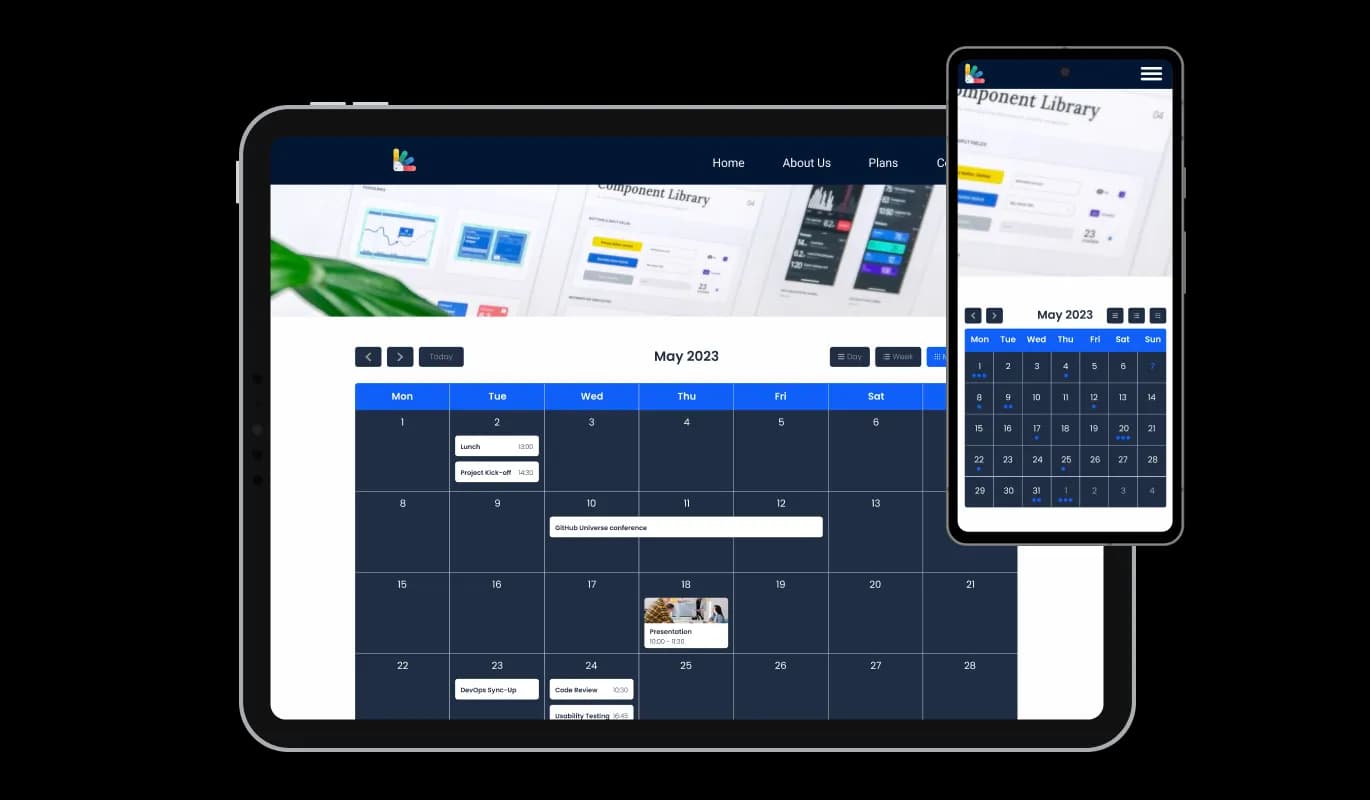
Stay Ahead with a Perfectly Responsive Thinkific Calendar app

Fully responsive, the Thinkific Calendar guarantees an excellent appearance on all devices. As the world leans more towards mobile, this feature gives you a crucial advantage over your rivals. This level of responsiveness secures a seamless user experience across all devices, giving you a leg up in the predominantly mobile digital landscape of today.

Events Calendar - Stay Ahead with a Perfectly Responsive Thinkific Calendar app

Thinkific Calendar app: Ultimate Control with Custom CSS

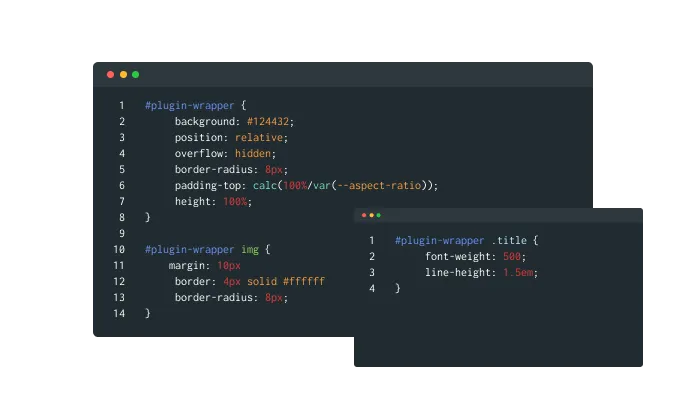
The Thinkific Calendar app comes with a custom CSS feature, granting you ultimate control over the aesthetics of your calendar. This advanced customization feature allows you to change elements such as colors, fonts, and layout in the Thinkific app to perfectly align with your Thinkific site's aesthetics, ensuring a fully personalized and integrated user experience.

Events Calendar - Thinkific Calendar app: Ultimate Control with Custom CSS

Effortless Integration: Embed Thinkific Calendar with Ease

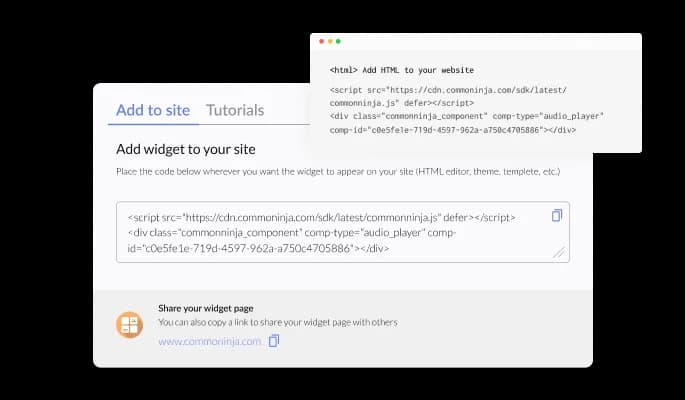
Embedding the Calendar app on your Thinkific site is a breeze — all you need is to copy one line of code. Every tweak you make triggers an automatic update in the Calendar app. This hassle-free integration and automatic updating make the process more straightforward and ensure that your Thinkific site always features the most recent and relevant content.

Events Calendar - Effortless Integration: Embed Thinkific Calendar with Ease

Compatible With All Site Builders, E-Commerce Platforms and Websites

webflow logoshopify logowix logowordpress logobigcommerce logosqurespace logoweebly logojoomla logoduda logojimdo logomagento logoshift4hsop logounbounce logocarrd logo
View all supported platforms

FAQ

Yes, there are lots of beautiful skins that you can choose from to save time and start using the widget as quickly as possible.

It’s simple. All you need to do is to sign up and start using the free version.

Common Ninja’s Calendar widget is free to use. It is limited to a certain amount of views, however.

Common Ninja’s Calendar widget is compatible with ALL current and future website builders.

Yes, the Calendar widget is GDPR-compliant.

No. Using our Calendar widget is very simple. The widget comes with an intuitive drag-and-drop interface and fully customizable options. Once you’ve finished editing the widget to your liking, all you need to do is copy the provided code and add it to your website.

Yes. We are eager to hear your request. Please visit our Feature Request page.