As websites strive to offer more interactive and user-friendly features, calculator widgets have become essential tools across various industries.
From financial services to e-commerce, these widgets help users make quick calculations, enhancing their overall experience and decision-making process.
With the advancements in technology, there is a plethora of innovative calculator widgets and plugins available, each designed to cater to specific needs and improve functionality.
This article will explore the top calculator widgets and plugins for websites, highlighting their key features, benefits, and how they can add value to your site.
Top Choice: Common Ninja’s Calculator Widget!
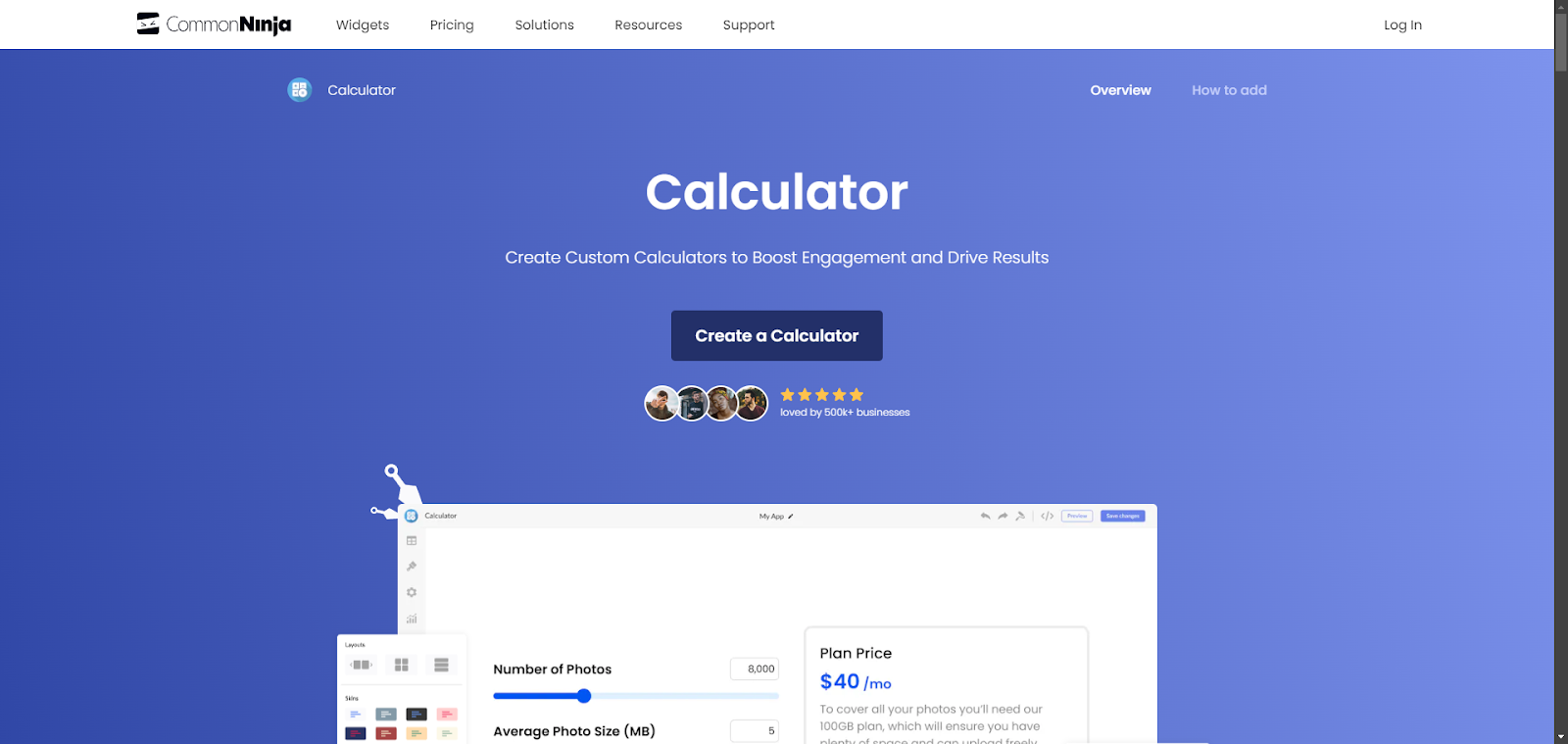
The Common Ninja Calculator widget is an excellent choice for websites needing custom calculators. It offers a versatile setup where users can easily design calculators specific to their needs, whether for financial assessments, health metrics, or other calculations. The widget includes customizable fields such as sliders and dropdowns, allowing for detailed control over inputs and operations.
Moreover, this widget supports complex mathematical functions, making it capable of handling both simple and advanced calculations. It's designed to be visually appealing and can be tailored to align with your website’s aesthetics. With its user-friendly interface and robust functionality, the Common Ninja Calculator widget is ideal for enhancing user engagement and providing essential tools on your site.
Embeddable

Embeddable lets you build free calculator widgets with a visual, no-code interface that can be embedded on any website. It also supports creating a broad range of interactive tools including quizzes, countdowns, forms, leaderboards, and more, all within the same platform so you can expand your site’s engagement tools over time.
Calculator Builder - WordPress

The Calculator Builder plugin for WordPress is designed to help users create a variety of online calculators for their website. It offers a drag-and-drop interface for easy setup and customization, allowing the addition of various types of fields such as text, checkboxes, radio buttons, and sliders.
This plugin is suitable for creating calculators for financial, health, or any specific calculations that might be needed on a website.
Calculator Builder
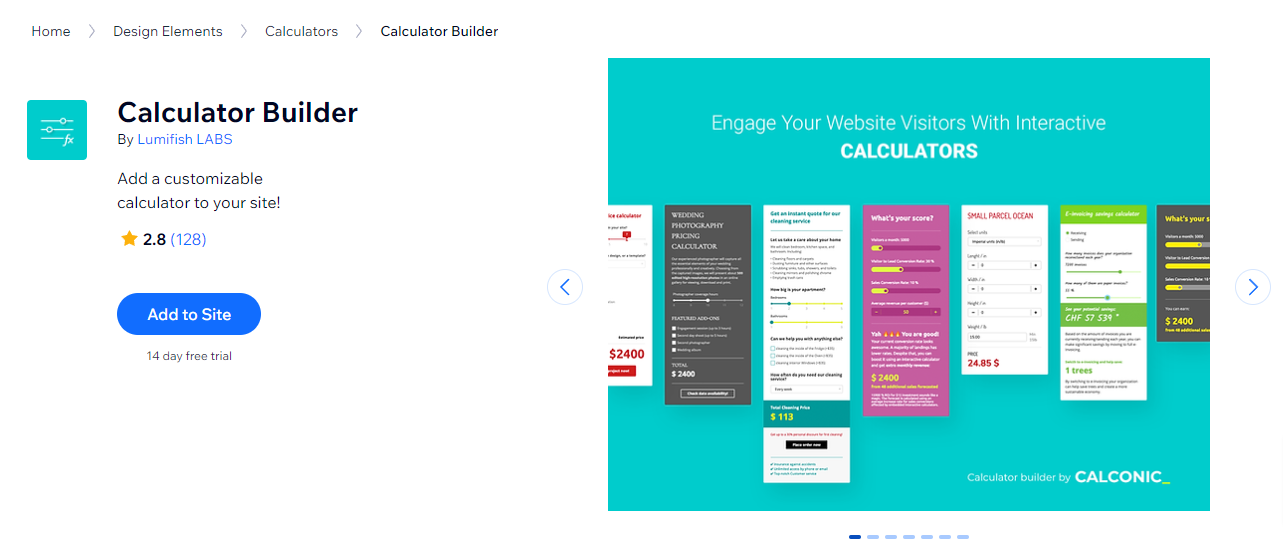
On Wix, the Calculator Builder provides tools to construct custom calculators that can perform complex calculations. It integrates smoothly with Wix websites, making it easy for site owners to add calculators without needing any coding skills.
This app is perfect for creating interactive tools that enhance user engagement and provide useful functionalities to visitors.
Simple Calculator

The Simple Calculator app on Wix offers a straightforward solution for adding basic calculation functionality to your site. It's ideal for users who need a simple tool to allow site visitors to perform quick calculations, such as for loans, BMI, or basic arithmetic.
Calculator Builder

For Shopify users, the Calculator Builder app allows e-commerce store owners to implement custom calculators that can help customers estimate costs, calculate financing, or decide on quantities.
This app supports various customization options to match the store's branding and can be a valuable addition to any Shopify store looking to enhance its customer service and user experience.
Conclusion
In conclusion, calculator widgets are invaluable assets for websites looking to provide interactive and efficient tools for their users. This article has reviewed the top calculator widgets and plugins available, showcasing their unique features and advantages.
By integrating these advanced calculators into your website, you can enhance user experience, streamline complex calculations, and offer added value to your visitors. Choosing the right calculator widget can significantly improve your site's functionality, making it more user-friendly and engaging, ultimately leading to higher satisfaction and retention rates.
Related: The Freemium Business Model, Best Practices for App & Plugin Developers

Sergei Davidov